Burger restaurant: the dining room, the counter or the truck.

QR code menu for Burger restaurants

How it is cooked, cheese, sauce, fries or salad: a burger is ordered in five questions. The digital menu asks them once, without mistakes. Thirty QR codes made and shipped, 0% commission.

POS connected through HubRise, payments by Stripe

PopinaZeltyHubRiseJaliaToporderFrench CaisseCarré POS
Apple PayVisaMastercardStripe

What gets in the way today

Ordering a burger means answering five questions, about how it is cooked, the cheese, the sauce, the side and the drink in the meal deal. Out loud, they have to be asked again of every guest at every table, and the mistakes pile up on a Saturday night.

A paper menu copes badly. Either it lists every combination and becomes unreadable, or it falls back on “ask your waiter”, and the bacon, the double patty or the extra cheddar only sell if someone remembers to offer them.

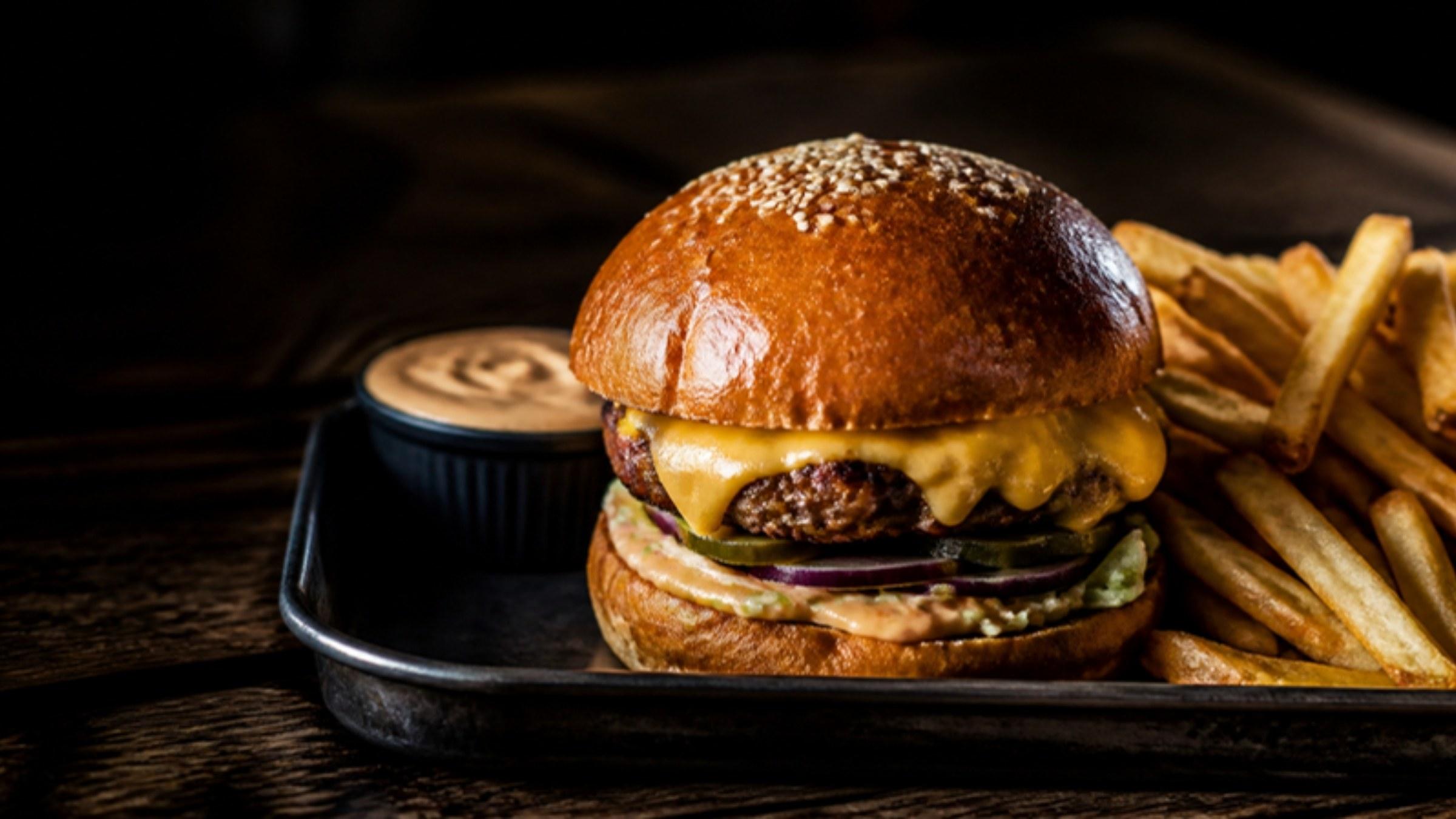
And a burger is all about looks, the height, the melting cheese, the bun. Two burgers with similar descriptions look nothing alike on the plate, and it is the plate that decides.
What a photo menu changes here

  • The menu asks the questions

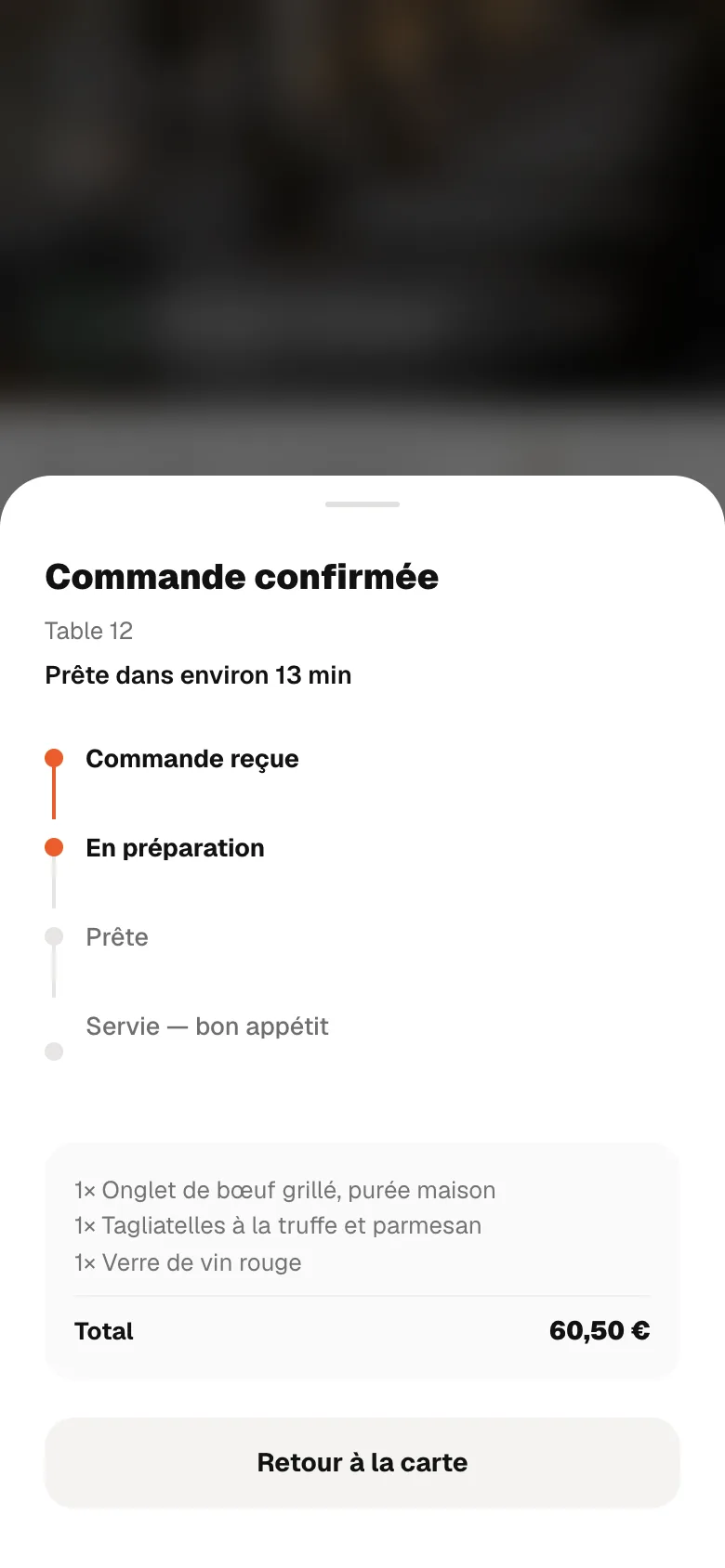
    Each burger carries its choices: how it is cooked, which is required, the sauce, the paid extras. With table ordering in Complete, the guest answers them themselves, and the kitchen receives a written order with nothing missing.

  • Extras are in plain sight

    Bacon or a double patty, shown with their price on the burger's page, are easier to choose than an extra you have to ask for, and nobody has to recite them any more.

  • A sold-out option does not block the burger

    When the gluten-free bun or the house sauce has run out, you switch that option off from your phone, and the burger stays on the menu with its other choices.

  • Burger of the month, online on Monday

    A photo, a name, a price, and it is online within the minute, with no blackboard to redo. It comes off the same way.

RestoAll at your place, screen by screen

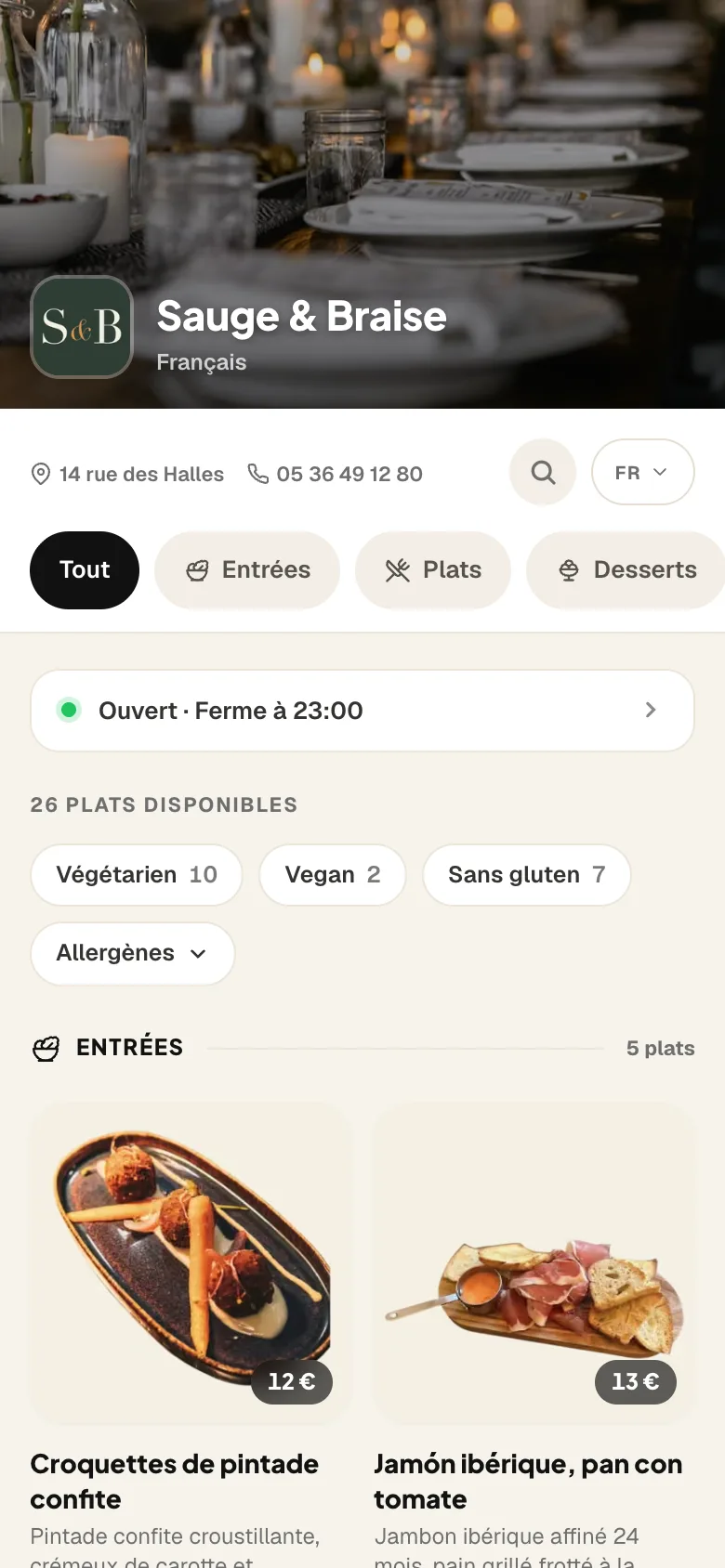
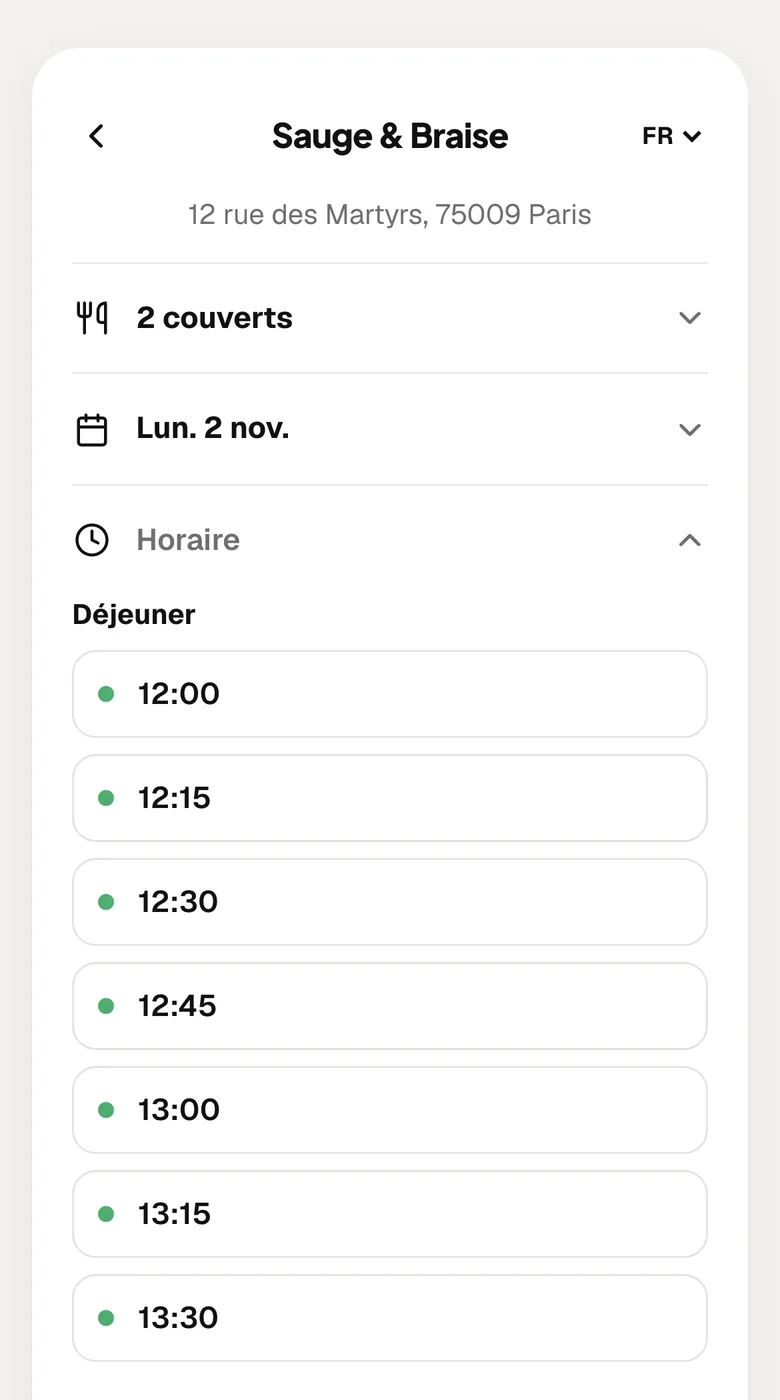
The Sauge & Braise menu open on a phone: the cover, the opening hours, the categories and the first dishes in photos.

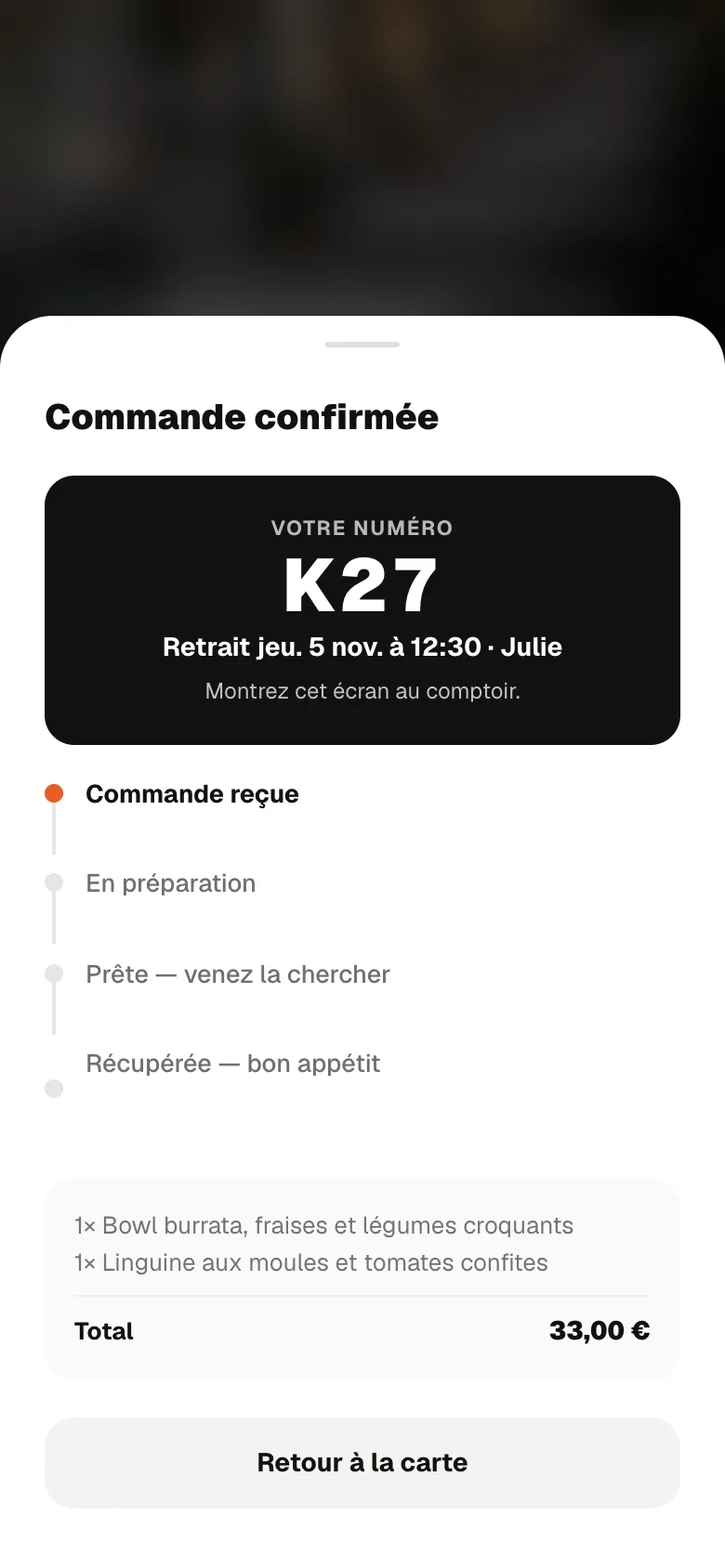
The guest scans the QR code and your menu opens on their phone, with no app to install.
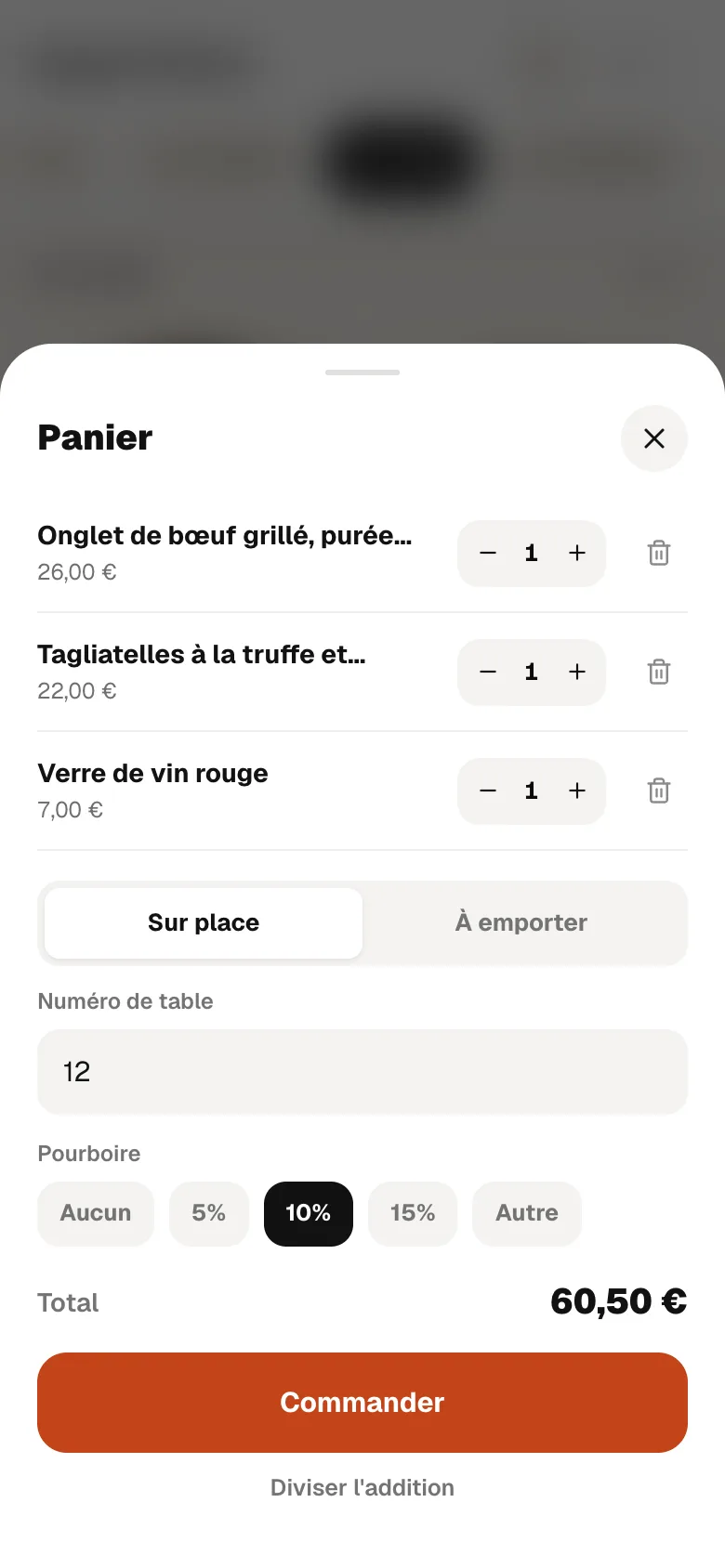
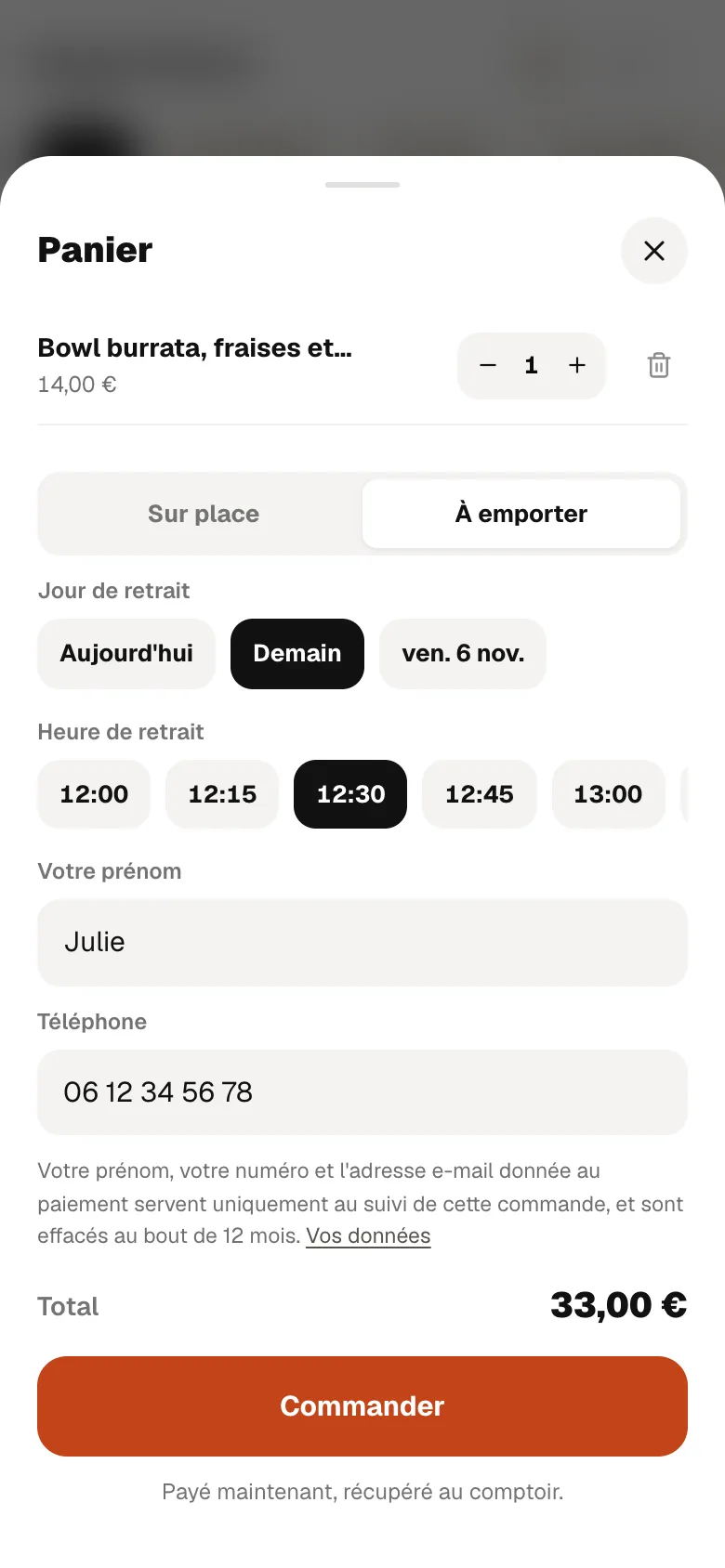
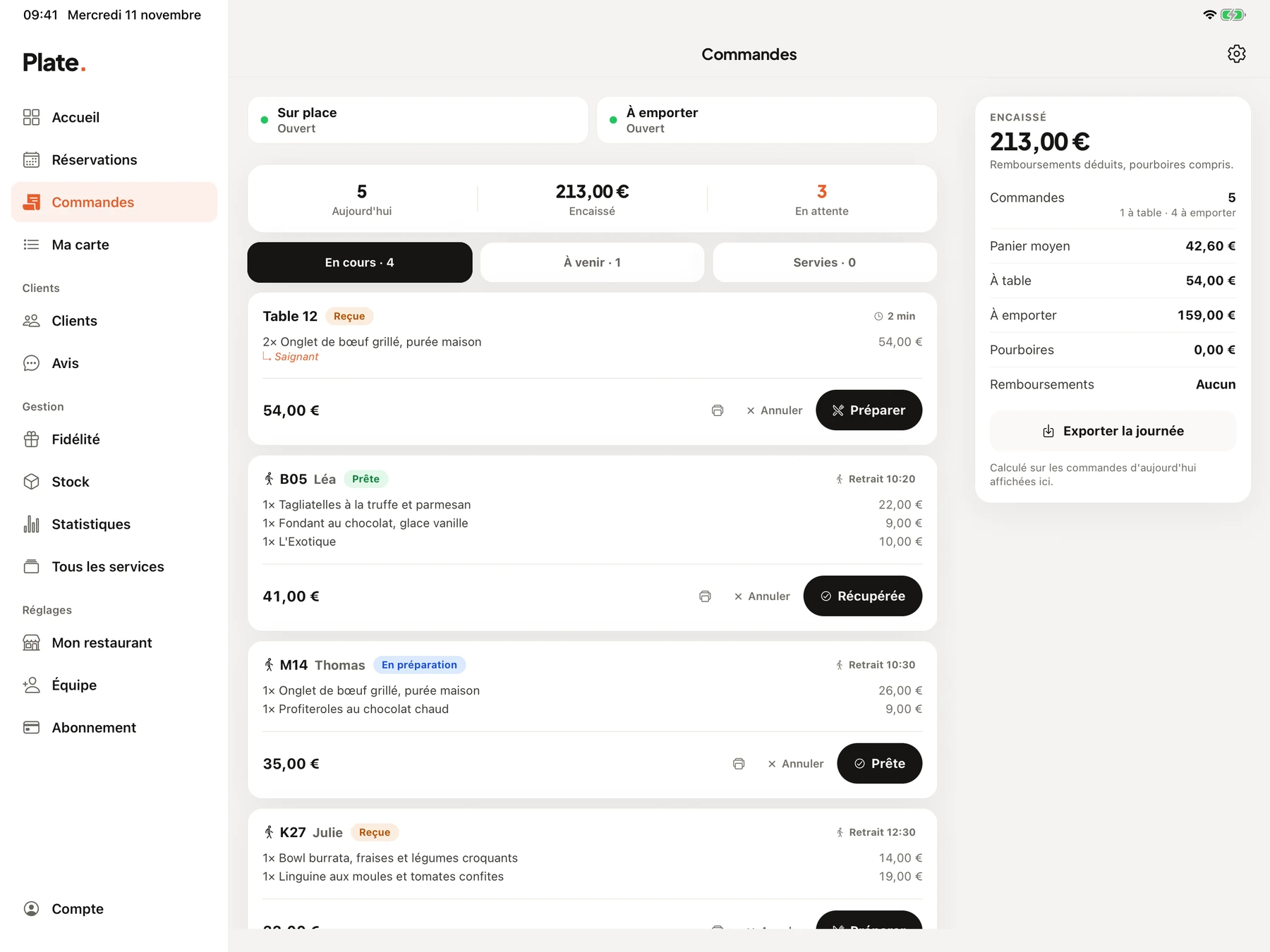
Screens from the French version of RestoAll, on a sample restaurant with fictional data.

How to set it up

The categories of a typical menu

  • Signature burgers
  • Classic burgers
  • Vegetarian
  • Sides
  • Meal deals
  • Desserts
  • Drinks and beers

Where to put the QR code

One QR code per table in the dining room, and another at the counter for the queue, because it is while waiting that people choose their extras.

The services worth having in your trade

Not every service earns its place in every trade, and we would rather tell you before you have paid. Online booking and reviews are in Essential; loyalty, table ordering and Click & Collect are in Complete.

Very good fit

Table ordering

A burger order takes a long time to write down, it is full of options, and the guest knows what they want. They put it together themselves from the table, cooking and extras included, pay for it, and it shows up in the app exactly as they entered it, with nothing lost on the way.

Very good fit

Click & Collect

A burger travels well. The guest orders and pays from the menu, picks a collection time and gives their number at the counter. No commission is taken on these sales, and the money arrives in your account.

Good fit

Loyalty programme

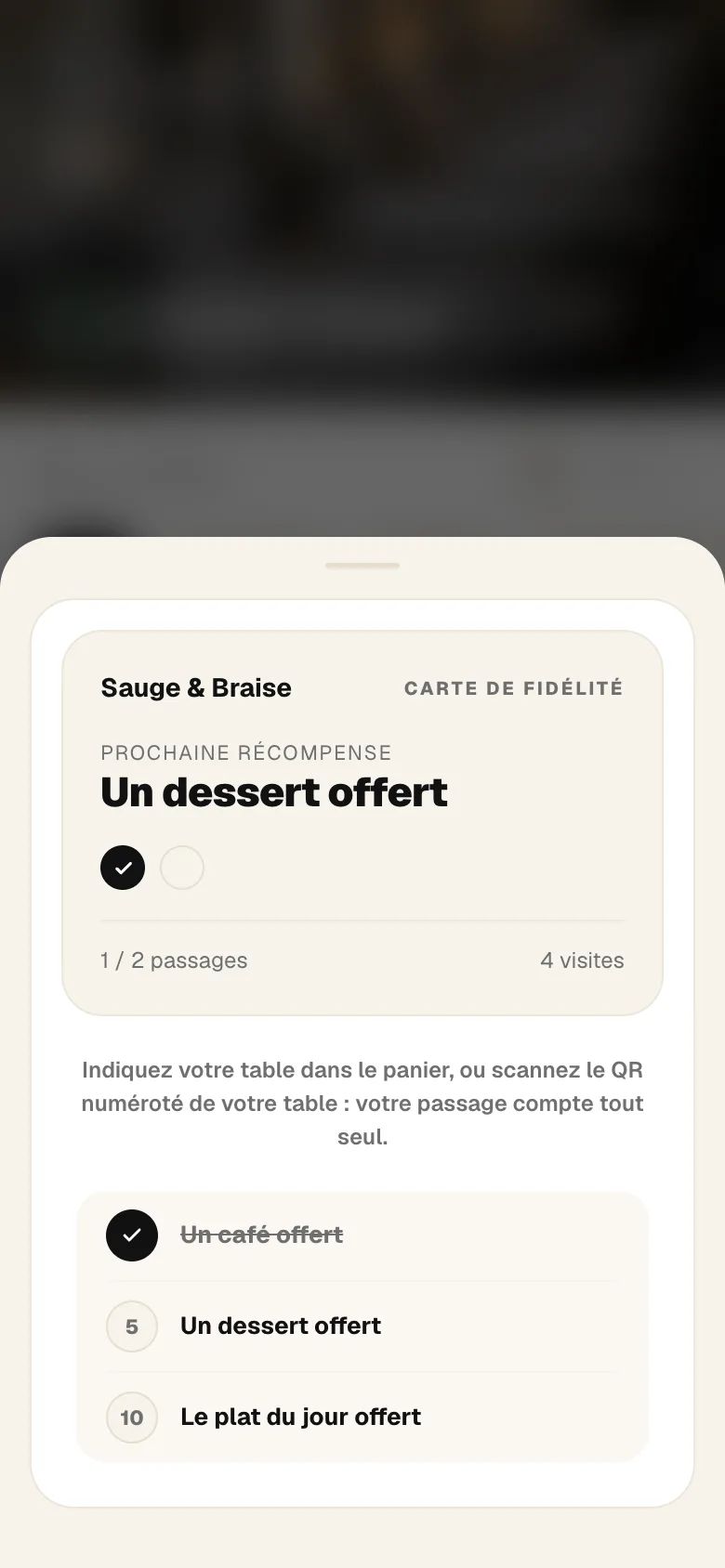
Lunchtime guests come back every week. A visit is counted when the guest enters their table on the menu or pays for an order, with no card to show.

Poor fit

Online booking

People sit down without booking. Table ordering and takeaway matter more; booking is still there for a group or an evening event, at no extra cost.

Two plans, no commitment

The photo menu, the thirty QR codes and online booking are in Essential at €49.99 a month. Table ordering, Click & Collect and loyalty come with Complete at €99.99. Everything is open during the thirty-day trial.

  • Essential

    Your digital photo menu, accessible by QR code.

    €49.99

    per month, no commitment

    Menu, QR codes, booking

    • Unlimited dishes and photos
    • AI photos (background removed, styled)
    • Multilingual menu (5 languages)
    • Thirty QR codes, made and shipped
    • Statistics: peak hours, most viewed dishes
    • Guest reviews: Google and private feedback
    • Stock management and food cost
    • Online table booking, no commission
  • Complete

    Essential, plus everything that brings guests back and sells straight from the table.

    €99.99

    per month, no commitment

    Ordering, payment, loyalty

    • Everything in Essential, table booking included
    • Loyalty programme
    • Table ordering and payment
    • Takeaway ordering
    • POS connection (HubRise)
    • 0% commission on your sales
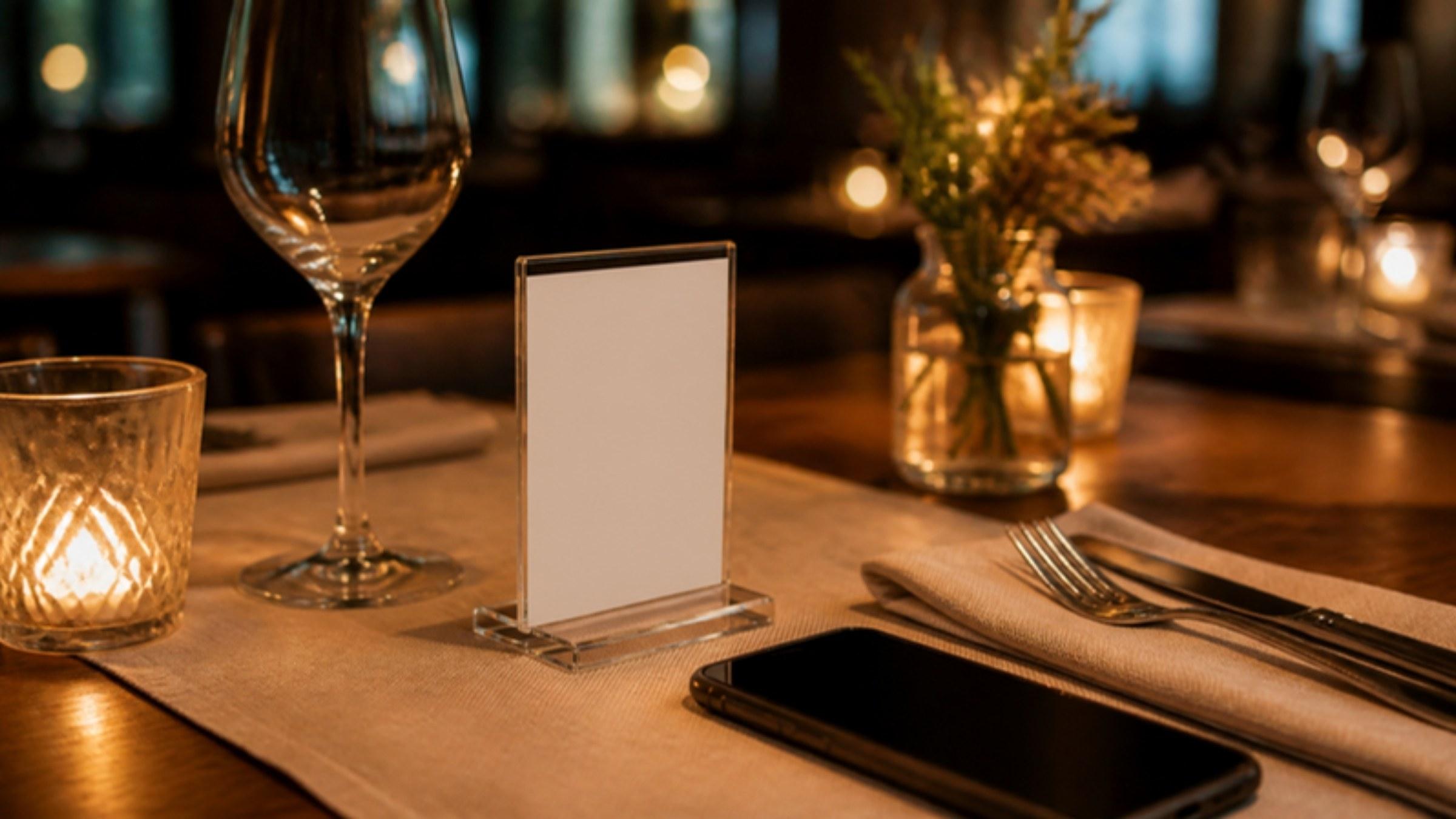
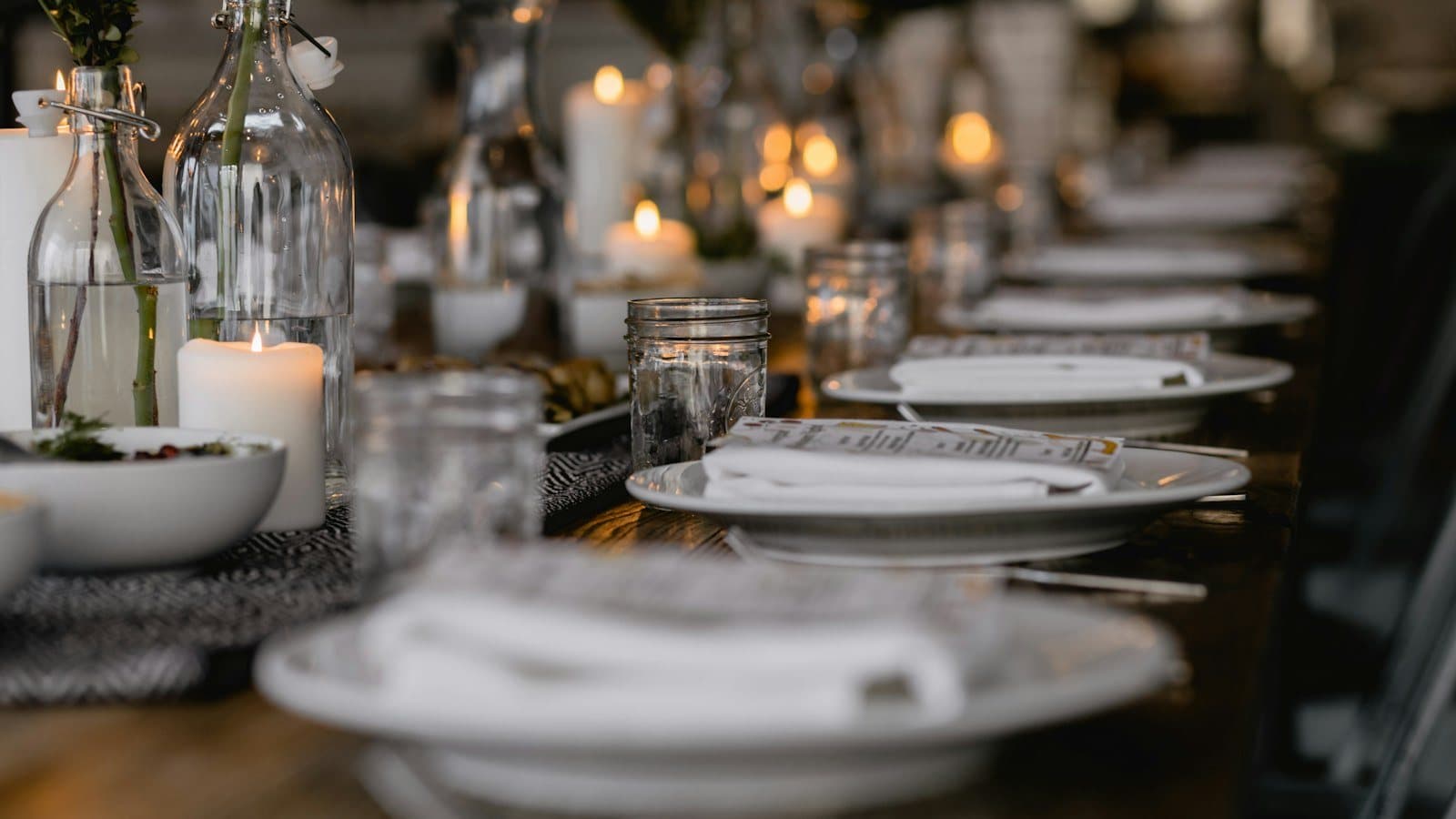
A table laid for dinner, by candlelight.

Try it on your own menu

Common questions

What a restaurant owner wants to know before trying RestoAll in this trade.

A question that is not here? Write to us

Can the cooking choice be required?
Yes. A group of options can be made required, and the burger then only goes into the basket once the cooking has been chosen. Sauces and extras remain optional.
How do I sell a burger, fries and drink meal deal?
Create the meal deal as a dish, with its choices as options: the side, the drink, any extra. Its price is the price of the deal, and extras are added on top.
Do orders reach the kitchen on a screen?
They arrive in the RestoAll app, with a notification, and can be sent on to your POS if it is connected through HubRise. RestoAll does not provide a dedicated kitchen screen.

Other trades

Your menu, in your trade

Free trial
30 days, no credit card
Then
from €49.99 a month, no commitment
QR kit
Thirty QR codes, shipped to you