Order at the table

From scan to payment.
Four steps, not one more.

No extra register, no terminal to rent, no staff to train. Your guest's phone does all the work.

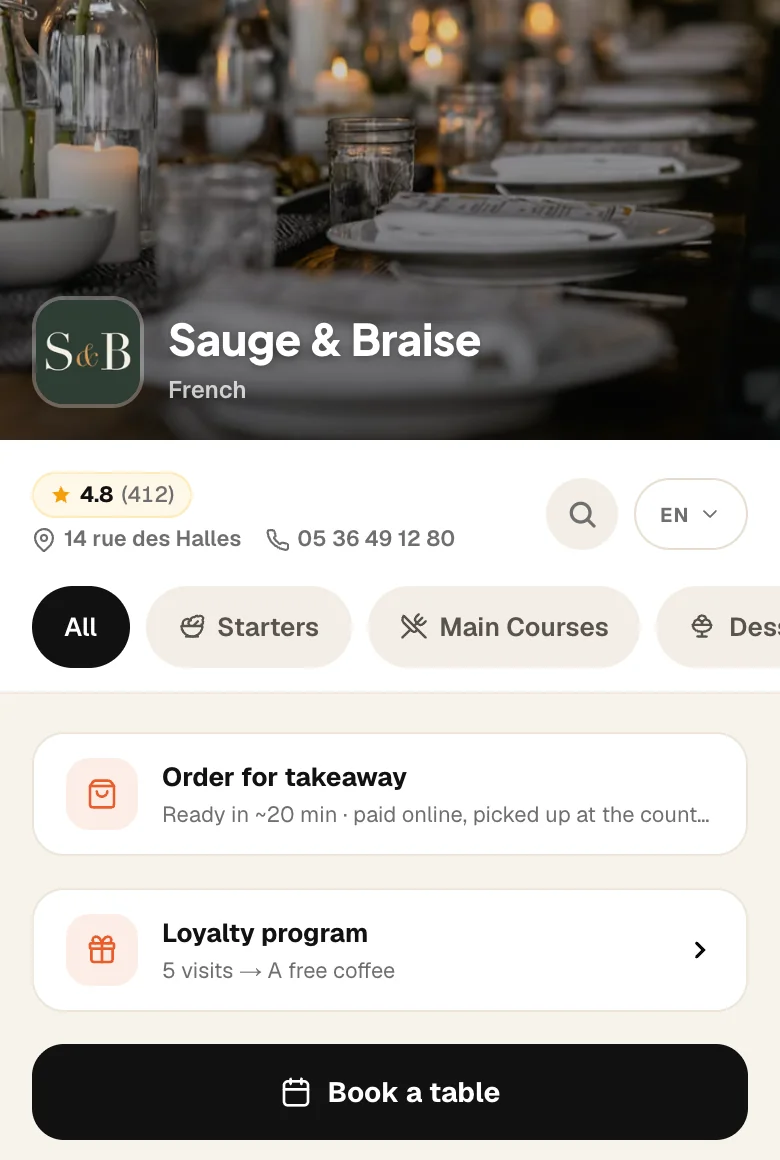
They scan their table's QR codeNo app · 2 seconds
01

They scan their table's QR code

Every table gets its own QR code, produced and shipped by Plate. They scan it with the camera: the menu opens in two seconds, with no app to install.

They build their orderTable 12 · auto-recognized
02

They build their order

They browse the photo menu, add dishes and adjust quantities. Their table number is recognized automatically — they type nothing.

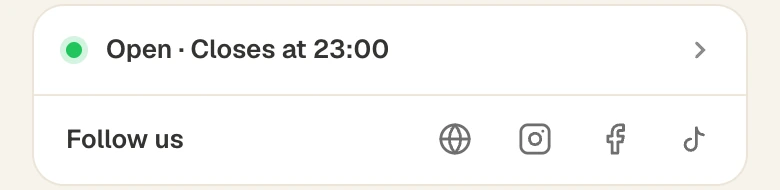
They pay in two secondsApple Pay · Google Pay · Card
03

They pay in two seconds

Apple Pay, Google Pay or card. No app to download, no account to create. The money lands in your account, not ours.

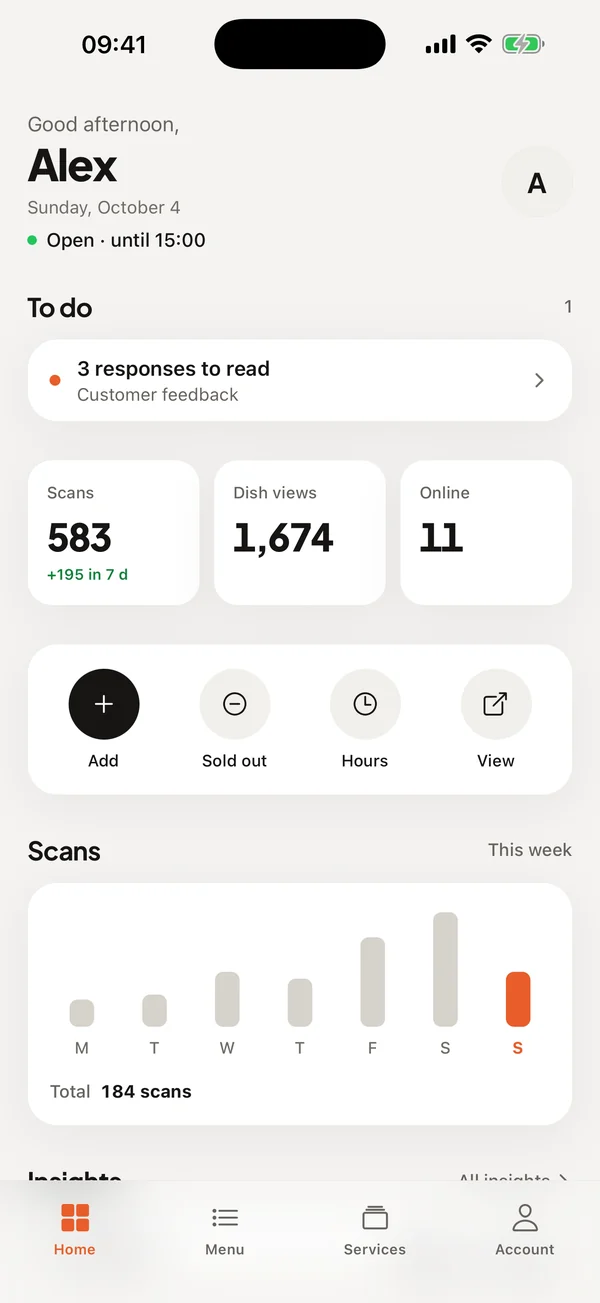
The order lands with youReceived · in real time
04

The order lands with you

Instant alert on your phone or computer, with the table number and full details. You track it: received → preparing → ready → served.

What changes during service

Fewer trips to take an order, less waiting for the bill.

The money lands with you, not with us

Every payment goes straight to your bank account. Plate takes no commission on your sales — only your payment provider's usual processing fees apply.

Tips, entirely for the floor

You choose whether to offer them, and the suggested amounts. Whatever the guest adds is yours in full, shown separately in your order list.

Split bills, without the mental arithmetic

In a group, everyone pays their share: evenly, dish by dish, or a free amount. The kitchen only receives one order, not one per guest.

A pause when the kitchen is buried

One button pauses ordering: the menu stays readable, ordering is simply closed for as long as you need.

You see everything arrive live

As soon as a payment is confirmed, the order appears on your dashboard and a notification goes to your phone, with the table number and full details. You move it along in one tap: received, preparing, ready, served. Nothing to install, no extra screen to buy.

What it takes to get paid

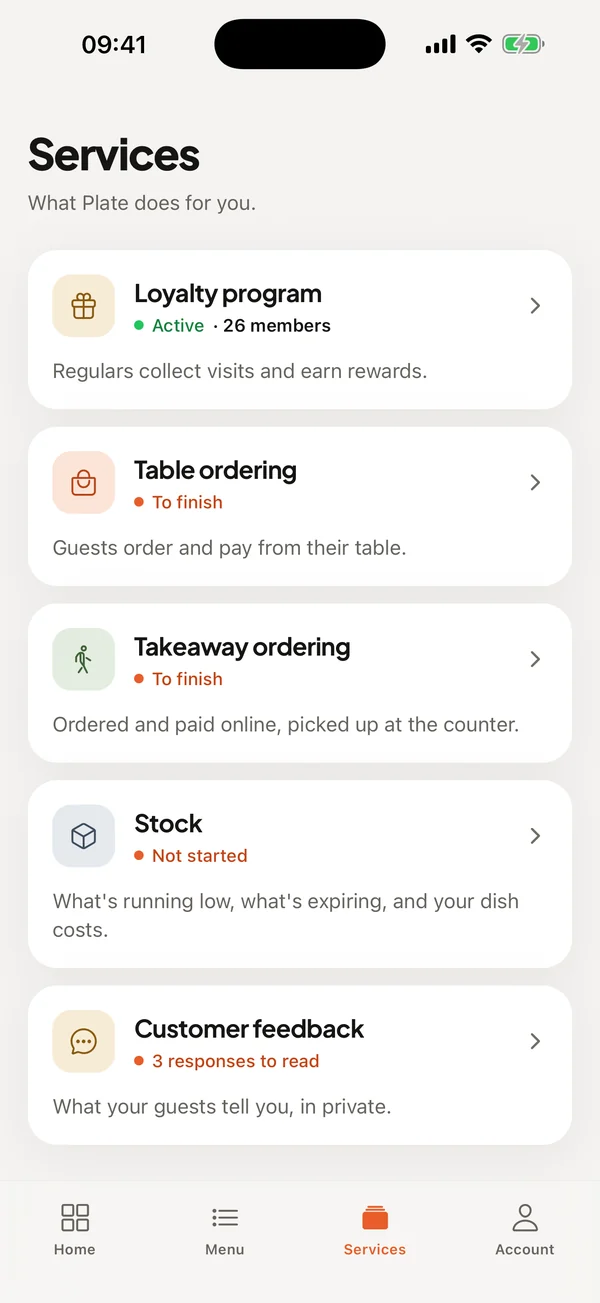
One formality, and it isn't ours: your payment account has to be verified before the first order.

    1

    Enter your banking details from your account — verification is handled by our payment provider, Plate never sees your bank details.

    2

    Tell us how many tables you have: we produce and ship one QR code per table.

    3

    Set tipping and the urgency alert if you want to, then open ordering.

€19.99/month, on top of your menu

Included in the Signature plan. No commission on your sales, whatever the volume.

See pricing

Questions we get asked

Do I need an extra register or terminal?

No. The guest's phone acts as the terminal, and your phone or computer receives the order. Nothing to rent, nothing to plug in.

Does the guest have to install an app?

No. They scan their table's QR code with the camera, the menu opens in their browser, and they pay with Apple Pay, Google Pay or their card.

How do you know which table the order came from?

Every table has its own QR code. The number is recognized automatically when the menu opens — the guest types nothing, and can't pick the wrong table.

Can I keep normal table service alongside it?

Yes. QR ordering adds to how you already work, it doesn't replace it. Plenty of restaurants leave it to guests in a hurry and keep table service for everyone else.

Keep reading

Your guests pay when they're ready, not when you walk past.

30-day free trial, no credit card.

Create my menu for free →