Book a table,
with no commission per cover.
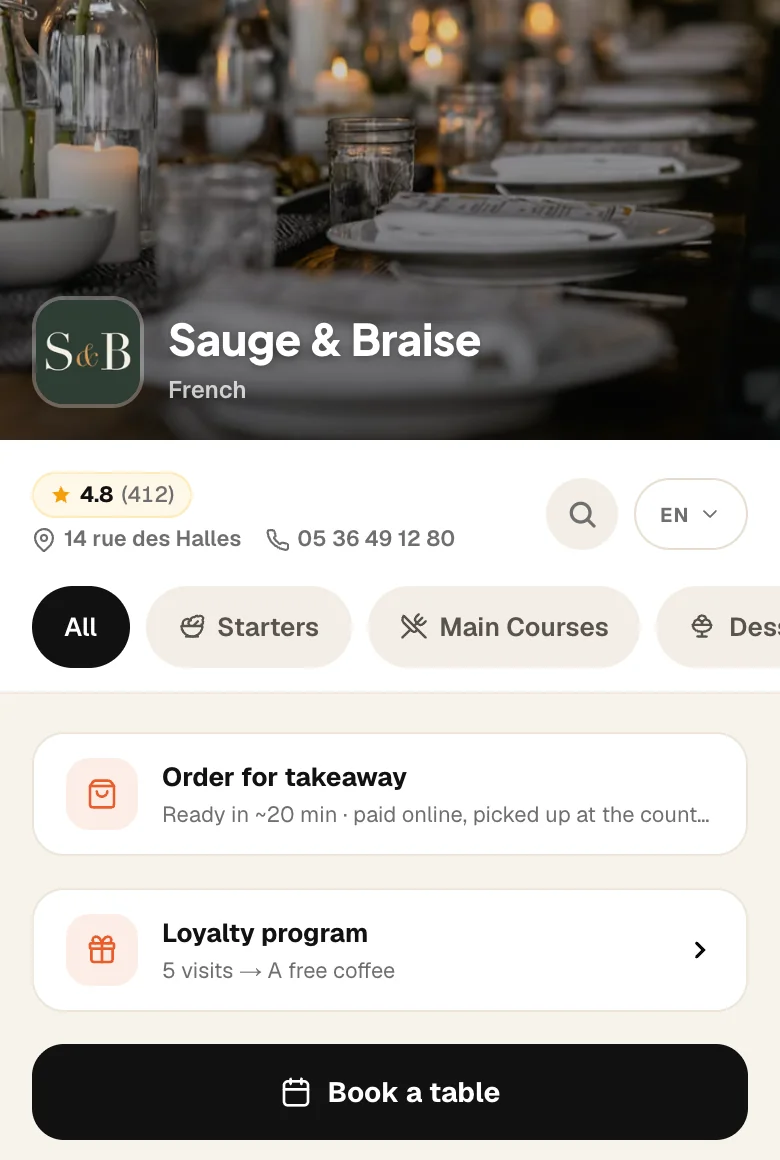
A button on your menu. The guest picks a day and a time, leaves a name and a number. You keep the book in the app.
Complete plan
No commission per cover.
No account to create.
Four questions, one table.
How many, which day, what time, then the name and number. The slots shown are the ones really left: the room is counted on every request.
Book a table
Marie L.
Marie L. · 2 guests
8:00 pm
Saturday
The button is on your menu.
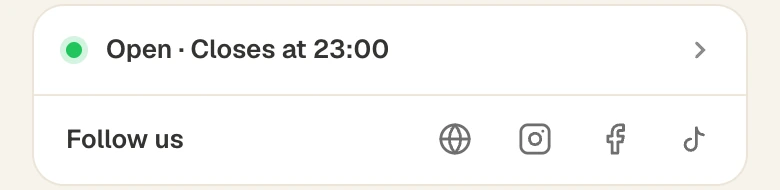
“Book a table”, right under your name. The same link goes on your Google profile, Instagram and your website.

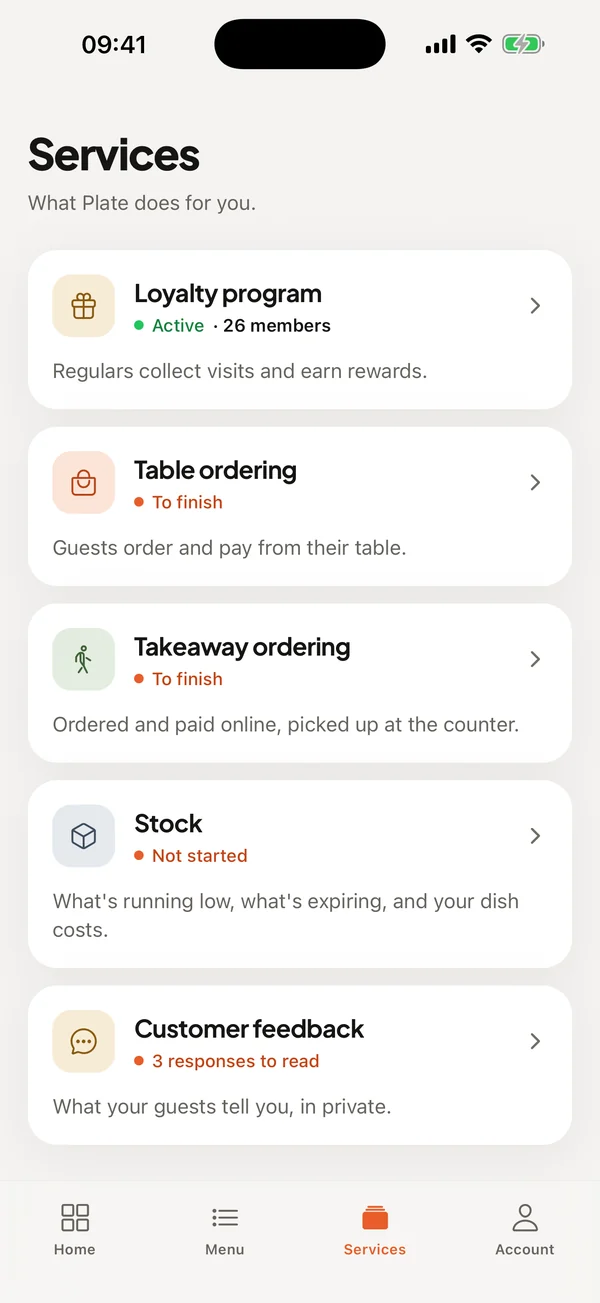
The book, among your services.
The day, service by service. You confirm, you seat, you mark a no-show. A phone booking is added in ten seconds.
How it works
- 1
You say how many covers your room seats
That is the only question. Your opening hours are the starting point; table duration and slots have defaults you can change.
- 2
The guest books from your menu
How many, which day, what time, then their name and phone. Nothing to install, no account, no bank card.
- 3
You are notified, they are confirmed
A notification on your phone, a confirmation email for them, and a reminder the day before. The booking is in your book.
In detail
- Never more than your room
- A slot is only offered if, for the whole table duration, enough covers remain. Two guests on the same table at the same second: only one gets it.
- Your pace
- You can cap arrivals per slot, set the last slot before closing, the minimum notice, and how many days ahead guests can book.
- The book, in the app and on the web
- The day service by service, with the right action at hand: confirm, seat, mark a no-show, cancel. Phone bookings are added in ten seconds.
- Guests manage their booking
- From their email, they add the table to their calendar or cancel. You are notified and the covers go back online.
- Who comes back, who does not
- On every booking, the guest's number of visits and past no-shows, based on their phone number.
- One link, everywhere
- The same link goes on your Google profile, in your Instagram bio and on your website. Guests book with you, not on a marketplace.
Included in Complete, €99.99 per month.
30-day trial with everything unlocked. No credit card, no commitment.
Frequently asked questions
How much does it cost per booking?
Do guests need an account?
Can I confirm each booking myself?
What about large groups?
Do I need table ordering to use booking?
Do bookings show on Google?
Other products
Guests book with you. Not with a middleman.
30-day free trial, no credit card.
Create my menu for free