A phone photo.
A dish people want.
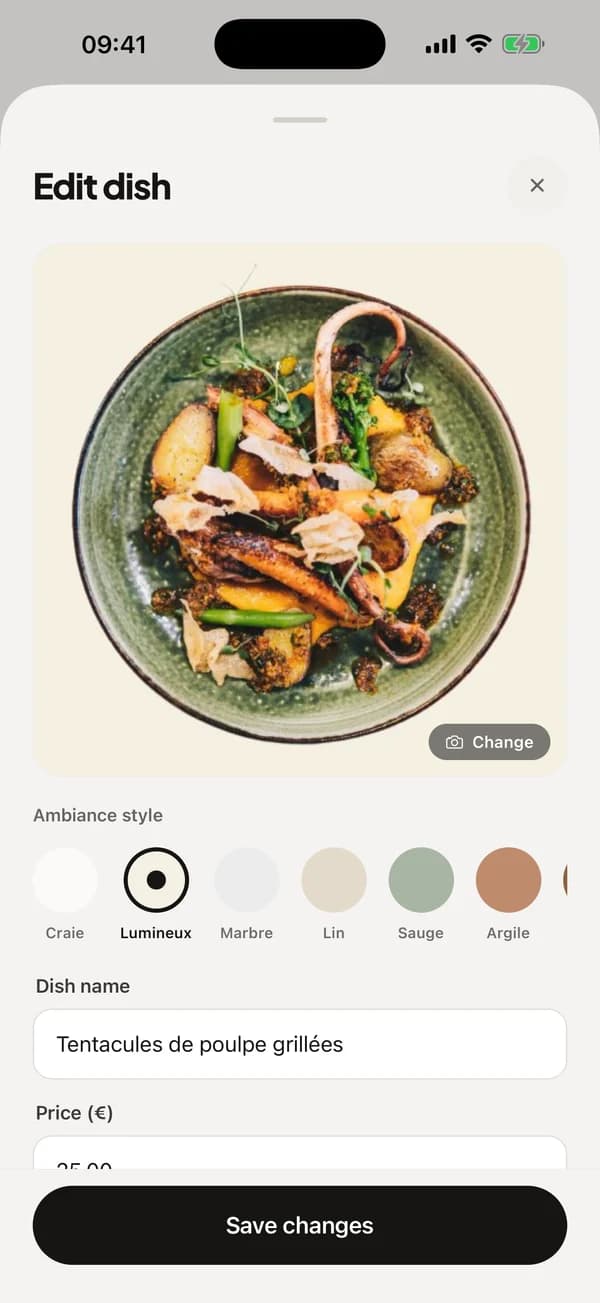
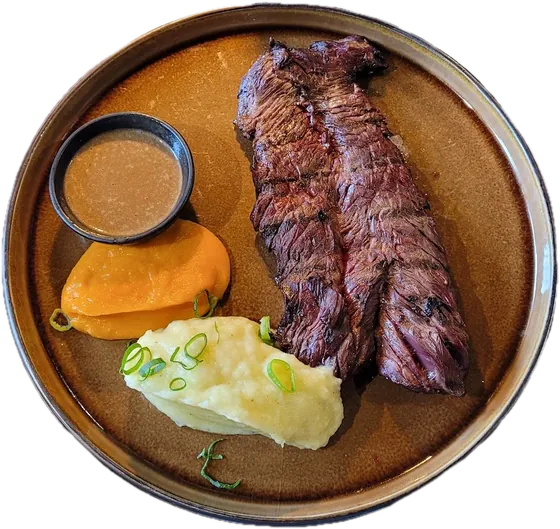
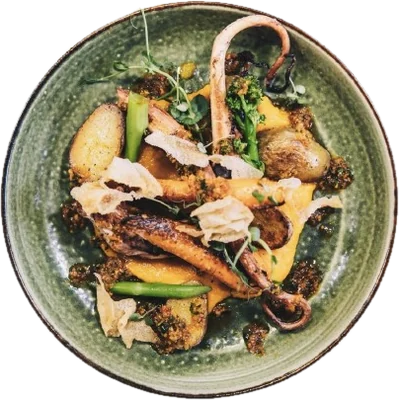
You take a picture of the plate. Plate removes the background and sets it on the backdrop you choose. Your whole menu shares one look.
Included in both plans
No photographer.
No retouching.
It all happens in the app.
You take the photo, see the result, choose the backdrop. Then the name, the price, and the dish is on your menu.
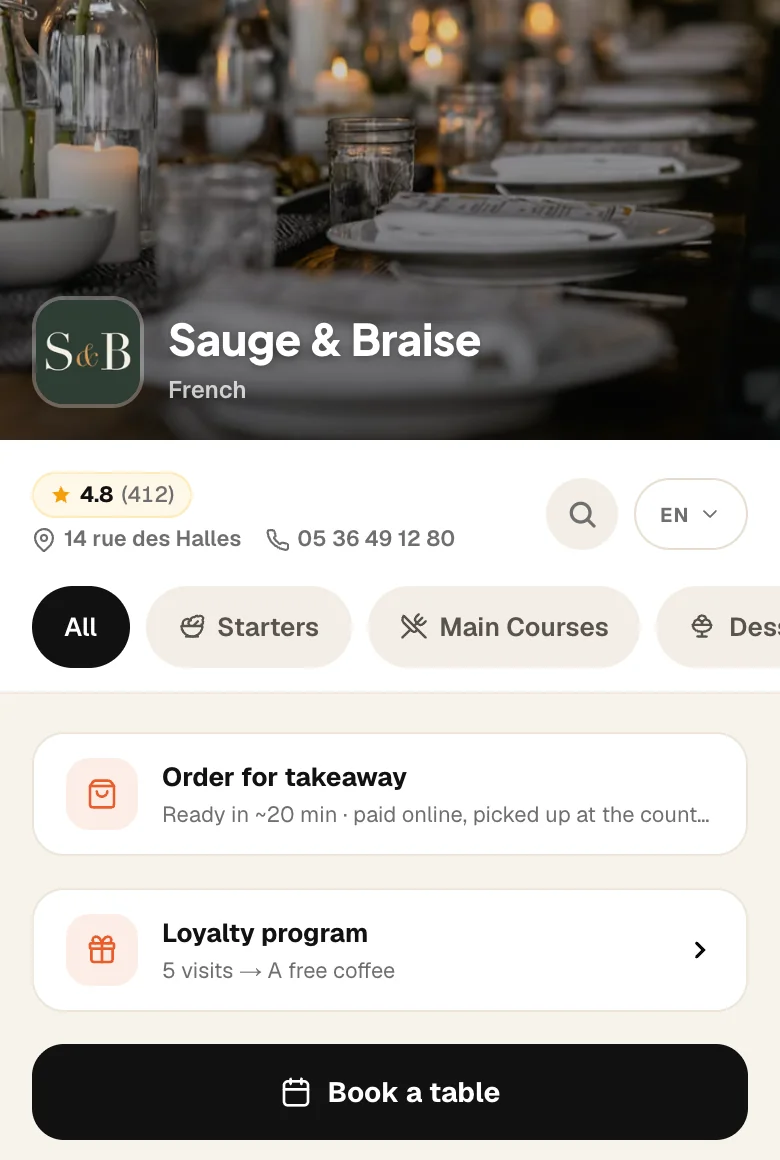
And here is your menu.
Every dish on the same backdrop, side by side. This is what your guests scroll through at the table.

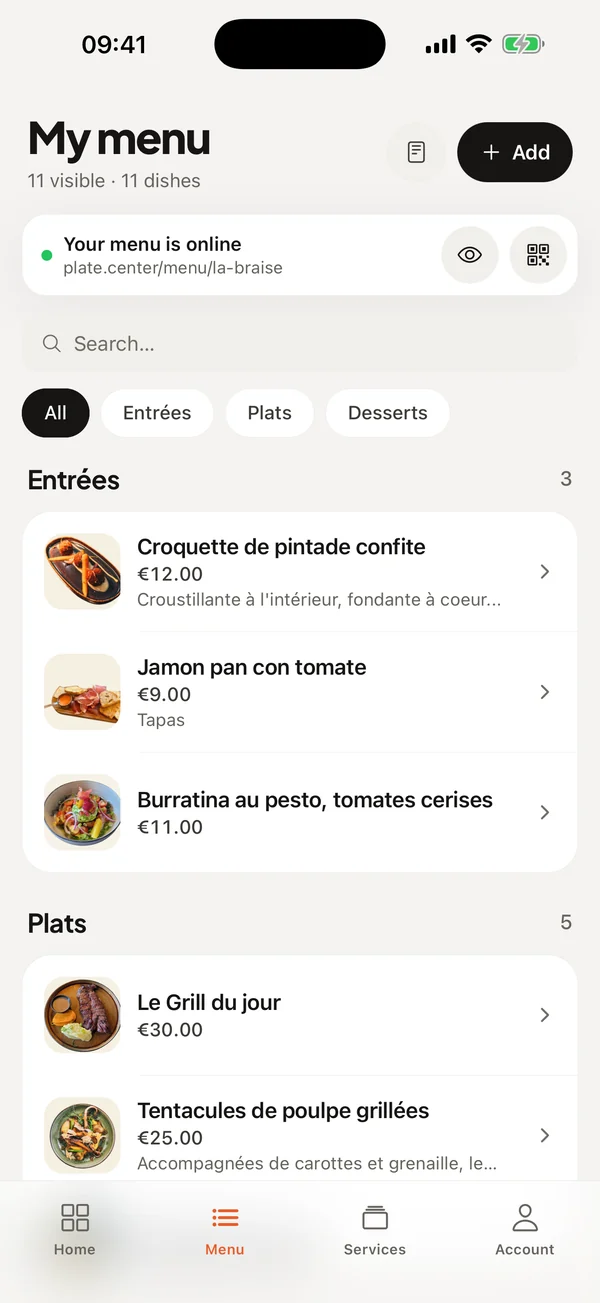
Thirty dishes? Do them in a row.
From your dish list, you add a photo to each one without opening it.
How it works
- 1
Shoot the plate
With your phone, in your kitchen or in the dining room. No equipment needed.
- 2
Plate removes the background
In a few seconds the plate is cut out. You see the result while you type the name and the price.
- 3
Choose the backdrop
Ten backdrops, from the lightest to the darkest. Change it whenever you like, without retaking the photo.
In detail
- One look for the whole menu
- Every dish on the same backdrop: the menu looks like one piece of work, even with photos taken at different times.
- Ten backdrops
- Bright, chalk, linen, marble, sage, clay, wood, market, ink, slate.
- Your photo is kept
- The original is always stored. If the cut-out fails, that is the one displayed.
- From the dish list
- Add a photo to a dish without opening it: handy when you have thirty to do.
- A suggested description
- Plate can write the dish description from its name. Keep it, edit it or delete it.
- No limit
- As many dishes and photos as you like, on both plans.
Included from Essential, €49.99 per month.
30-day trial with everything unlocked. No credit card, no commitment.
Frequently asked questions
Do I need a good phone?
Can I change the backdrop later?
Do I have to photograph every dish?
Do the photos belong to me?
Other products
Show your dishes as they leave your kitchen.
30-day free trial, no credit card.
Create my menu for free